How to Reset LPB Piso WiFi Router Settings
LPB Piso WiFi systems are widely used in public internet vending setups where users buy internet time using coins or digital payment. These systems are powerful, but sometimes they face issues like login errors, slow speed, or admin panel problems. In such cases, resetting the router becomes the best solution.
What is LPB Piso WiFi Router Reset?
A router reset means restoring your LPB Piso WiFi system back to its original factory settings. This removes all custom configurations like:
- Admin password changes
- WiFi SSID name changes
- Coin/time settings
- User data logs
- Bandwidth settings
When Should You Reset LPB Piso WiFi?
LPB Piso WiFi systems are popular internet vending setups used in shops, streets, and public places where users can access the internet by paying for time. These systems are efficient and easy to manage, but like any network device, they can develop issues over time.
- Admin panel not opening
- Forgot admin password
- Internet not working properly
- System freezing or lagging
- Login page not loading
- Configuration errors
- Slow or unstable connection
What Does Resetting LPB Piso WiFi Mean?
Piso WiFi systems are widely used internet vending machines that allow users to access WiFi by paying for a specific time. These systems are popular in public areas because they are affordable, easy to use, and require minimal management once installed. However, like any digital system, LPB Piso WiFi routers can sometimes develop errors, configuration problems, or performance issues. In such cases, one of the most common solutions is resetting the router.
Difference Between Restart and Reset
| Feature | Restart | Reset |
|---|---|---|
| Data loss | No | Yes |
| Settings change | No | Yes |
| Fix minor issues | Yes | Yes |
| Fix major issues | No | Yes |
What Happens After Reset?
- WiFi name returns to default
- Admin password resets
- Users are disconnected
- Coin/time system is erased
- Login portal reloads fresh
Best Practices Before Reset
- Try restarting first
- Backup settings if possible
- Note down admin details
- Check internet provider
- Ensure power stability
FAQs
What does resetting LPB Piso WiFi mean?
Resetting means restoring the router back to factory settings and deleting all custom configurations.
Will reset delete all my settings?
Yes, factory reset removes WiFi name, password, coin settings, and all custom configurations.
What is the difference between restart and reset?
Restart refreshes system without data loss, while reset deletes all settings permanently.
How can I reset LPB Piso WiFi router?
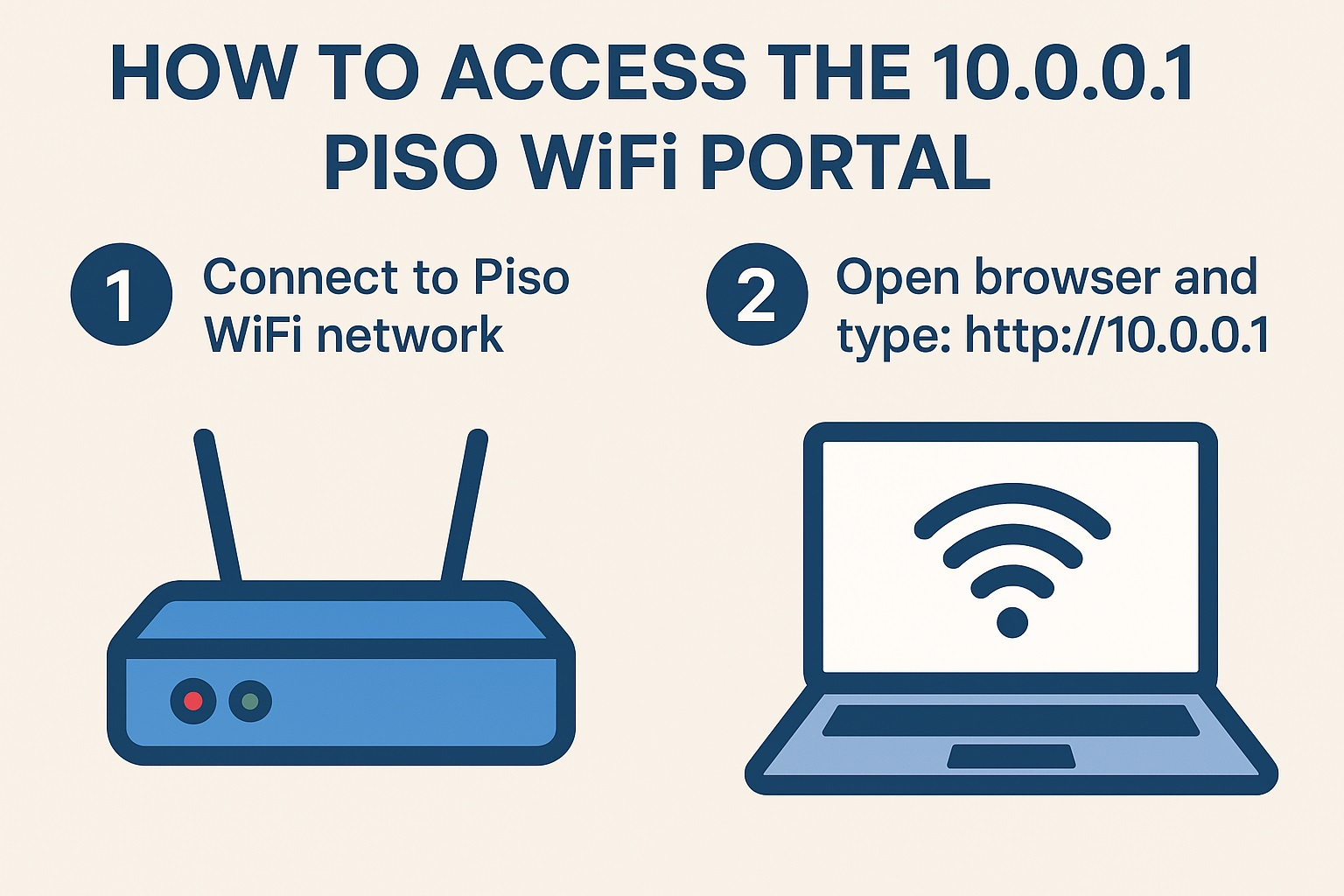
You can reset using the reset button or via admin panel (10.0.0.1).
What happens after resetting Piso WiFi?
The system returns to default settings and requires full reconfiguration.
Why is my LPB Piso WiFi not working?
It may be due to configuration errors, internet issues, or system bugs.
Can I recover settings after reset?
No, once reset is done, previous settings cannot be recovered.
When should I reset LPB Piso WiFi?
Only reset when admin panel fails, system errors occur, or settings are broken.
Does reset fix slow internet issues?
Yes, if slow speed is caused by configuration or system bugs.
Is reset safe for Piso WiFi router?
Yes, it is safe but should be used carefully because it deletes all settings.
How long does reset take?
Usually 1–5 minutes depending on router model.
Why is login page not opening?
It may be due to network issues, cache problems, or system misconfiguration.
Do I need internet after reset setup?
Yes, you must reconnect internet source after resetting.
Can reset fix admin password issues?
Yes, factory reset removes old password and restores default login.
How often should I reset Piso WiFi?
Only reset when necessary; frequent reset is not recommended.
Conclusion
LPB Piso WiFi is a powerful and convenient internet vending system that provides affordable internet access to users in public places. However, like any network system, it can sometimes develop errors, slow performance, or configuration issues over time. LPB Piso WiFi router becomes an important troubleshooting method. A reset restores the device back to its factory default settings, removing all custom configurations and giving the system a fresh start. This often helps resolve major technical problems such as admin panel errors, login page issues, or system misconfiguration.